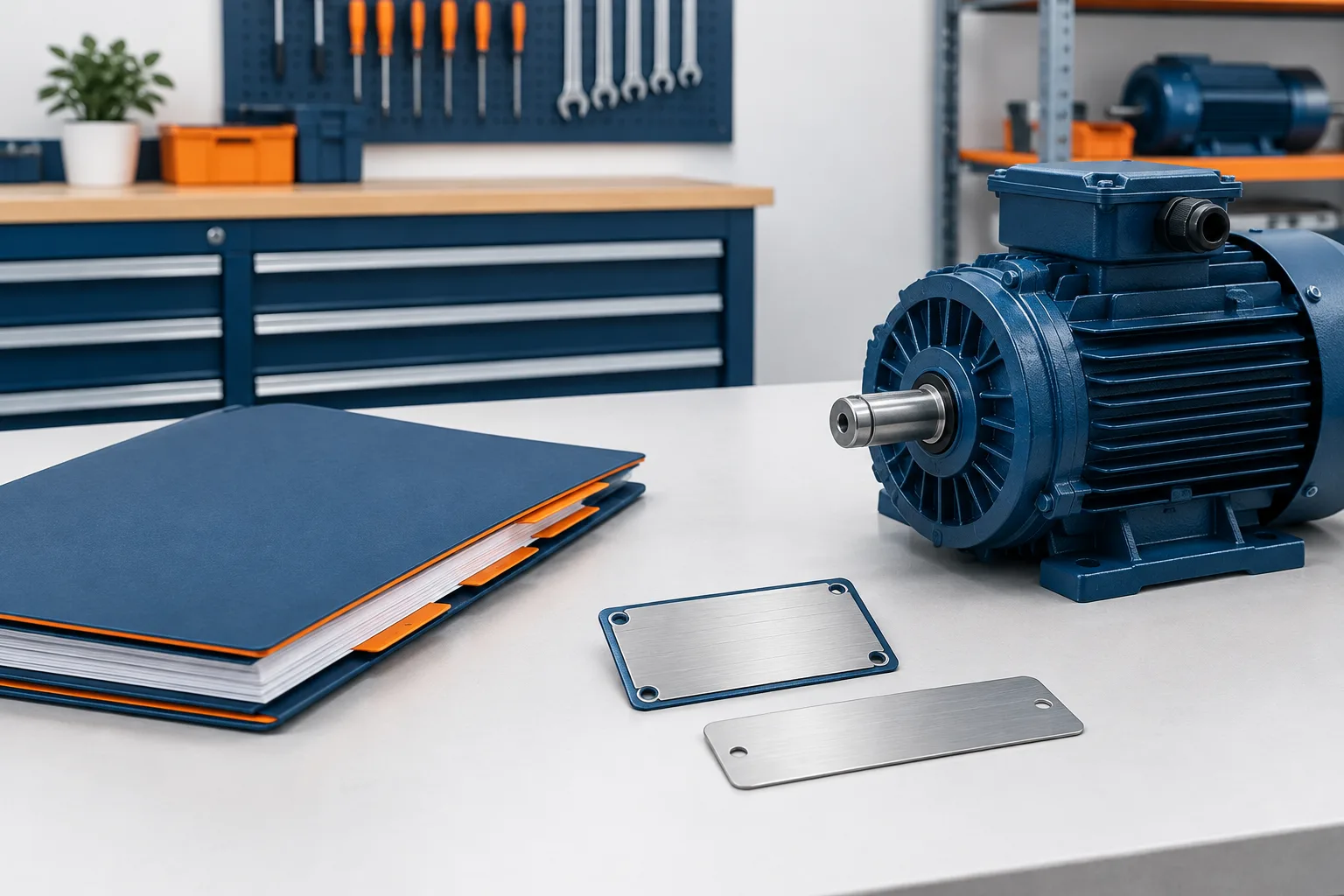
EASA accreditation label tracking is easier to manage when the label number points directly to the service-center job number. That simple cross-reference helps a shop identify the job associated with a label and find the supporting records later.
The key is to separate the required label register from the fuller repair file. The register provides the traceability link. The job file holds the supporting details your team may need to understand what work was performed, what was tested, and how the repair was closed out.
What the label tracking record needs to identify
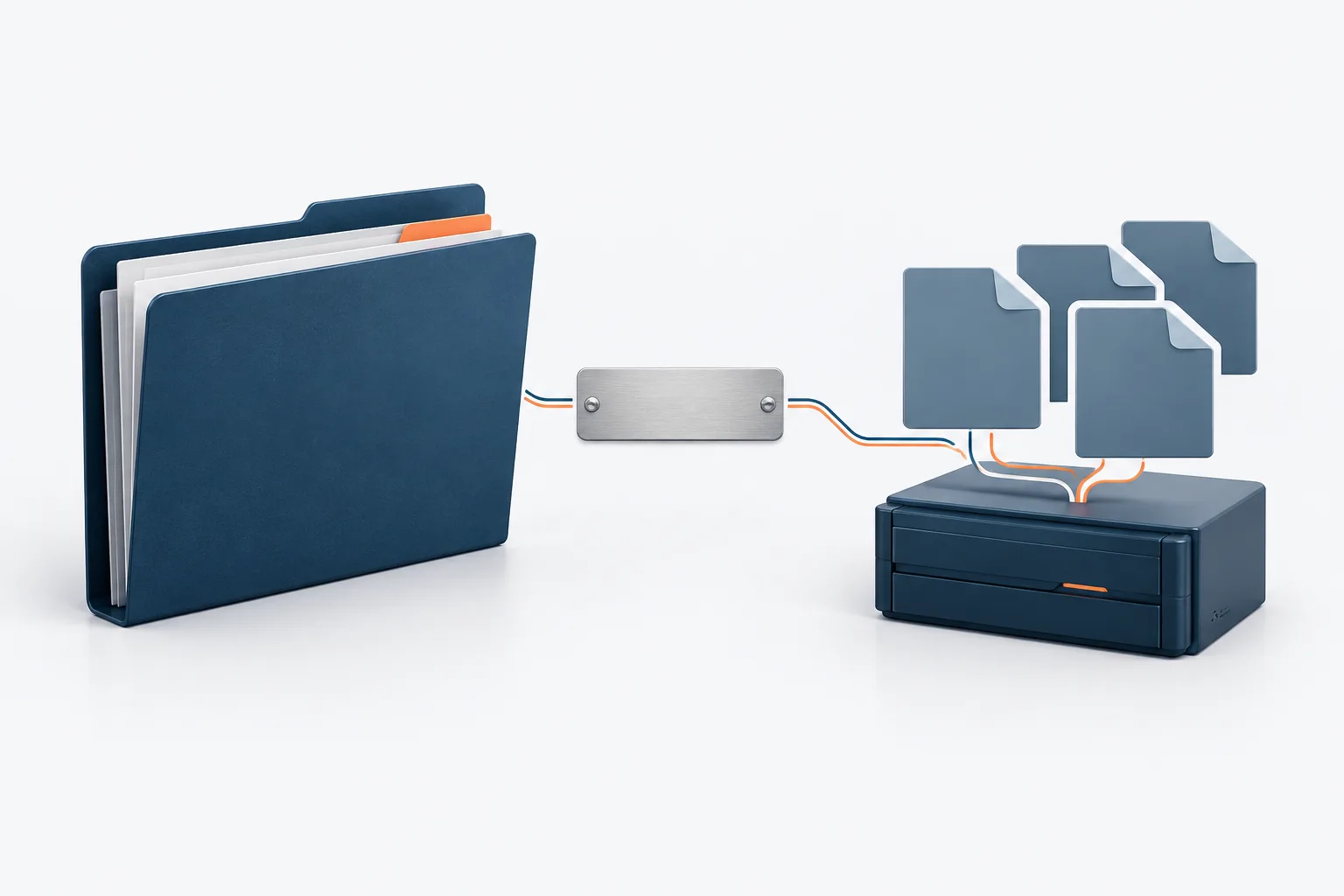
EASA’s accreditation FAQ specifies that accredited firms must keep a record linking the motor label serial number to the service-center job number. Those are the two fields to treat as the core of your label register. See EASA’s accreditation FAQs for the source guidance.
Keep the distinction clear: the label serial number identifies the label, while the job number identifies the shop’s work record. A motor’s serial number, customer name, model, or other nameplate information may be useful for finding and confirming a repair, but the FAQ’s label-register cross-reference is the label serial number and service-center job number.
As a practical layout, use a register with a separate entry for each labeled repair, the label serial number, the service-center job number, and a direct pointer to the job file. You can add optional fields such as customer, motor serial number, equipment description, label application date, or work location if they help your team search and reconcile records. Treat those as workflow aids, not as the two-field EASA minimum described above.
Link the register to a complete job file
The register is most useful when the job number opens a clearly organized repair file. The file should make the relevant supporting records easy to locate, rather than forcing a technician or office staff member to search across unrelated folders and messages.
Depending on your repair process, useful supporting records may include receiving and inspection details, the customer’s work scope, test results, repair and parts documentation, quality checks, and closeout notes. These are practical examples of records to organize with the job, not additional fields in the label-register minimum. Keep test and QA documentation associated with the correct job so it can be retrieved from the label cross-reference.
Choose a stable job-number convention that staff can recognize and use consistently. If your ERP or shop-management system assigns the job number, use that identifier in the register and in the electronic job file. If your team also uses a customer order number or field-service reference, record it as an additional lookup aid without letting it replace the service-center job number.
The retrieval path should be straightforward: read the label serial number, find the matching register entry, use the job number to open the repair file, and confirm the job details match the motor. For help keeping shop software records connected, see ERP support for motor repair shops.
Keep a digital register searchable and controlled
The EASA FAQ identifies the cross-reference to keep, but does not prescribe a folder structure, file-naming convention, or search workflow. A digital register can be a practical way to manage the link if staff can find the record, the information remains readable, and the register points to the supporting job file.
Use consistent field names and avoid relying on free-form notes when a dedicated field will do. Check that label serial numbers and job numbers are entered in the right fields, and make sure the file path or system link leads to the intended repair record. Set access so staff who need to record or retrieve the information can do so, while preserving the integrity of shop records.
Backups also matter to retrieval. Losing a register or its linked test and QA files can break the trail even if a label remains on the repaired motor. Zevonix provides versioned backups for test results, QA folders, and calibration records. Its data recovery guidance for electric motor repair explains why recoverable shop records are part of a practical data-protection plan.
Handle exceptions without breaking the trail
Several motors are on one customer order
Keep each labeled repair distinguishable. If your shop uses a parent customer order for several motors, make sure each motor’s label serial number can still be matched unambiguously to its service-center job number and individual supporting records. Do not rely on the customer order alone if it covers multiple pieces of equipment.
A technician applies a label in the field
Give field staff a consistent way to capture the label serial number and the associated job number. The entry should reach the shop’s designated register and job file, with a check that both values were recorded accurately. If connectivity is limited, establish a controlled process for capturing the information and reconciling it with the shop record once the technician can connect. Field-device management can support that workflow; see IT support for field service in motor repair.
A label number or job number was entered incorrectly
Compare the register against the physical label and the original job record before making a correction. Use your shop’s documented correction process, preserve enough history to understand what changed, and check that any linked files still point to the right repair. Avoid silently replacing an entry in a way that makes it difficult to tell which record is current. If the correction affects the accreditation record and you are unsure how to handle it, consult EASA for guidance.
Frequently asked questions
Does the label register need the motor’s serial number or nameplate details?
The EASA FAQ’s stated label-to-job cross-reference is the label serial number and the service-center job number. Motor serial number and nameplate details can be helpful optional search fields, but they do not replace that link.
Does the shop need to submit its label-to-job records to EASA?
The cited FAQ describes keeping the cross-reference; it does not describe routine submission of the register to EASA. Keep the record with your accreditation documentation and check EASA’s current instructions if you need to confirm a specific reporting obligation.
Can the register be digital?
The FAQ focuses on the fields to keep rather than specifying a paper or digital format. A digital register is a useful operational option when staff can retrieve it reliably and connect each entry to the correct job file.
Make each label traceable to the repair
Start with an accurate label serial number and service-center job number, then make sure the job number leads to the supporting records. A consistent register, clear file links, and a correction process help your team retrieve the right repair information when it is needed.
Zevonix provides specialized IT support for electric motor repair and rewind operations, including data protection for test and QA records. If you want to improve how your shop stores and retrieves repair documentation, contact Zevonix to discuss your recordkeeping workflow.