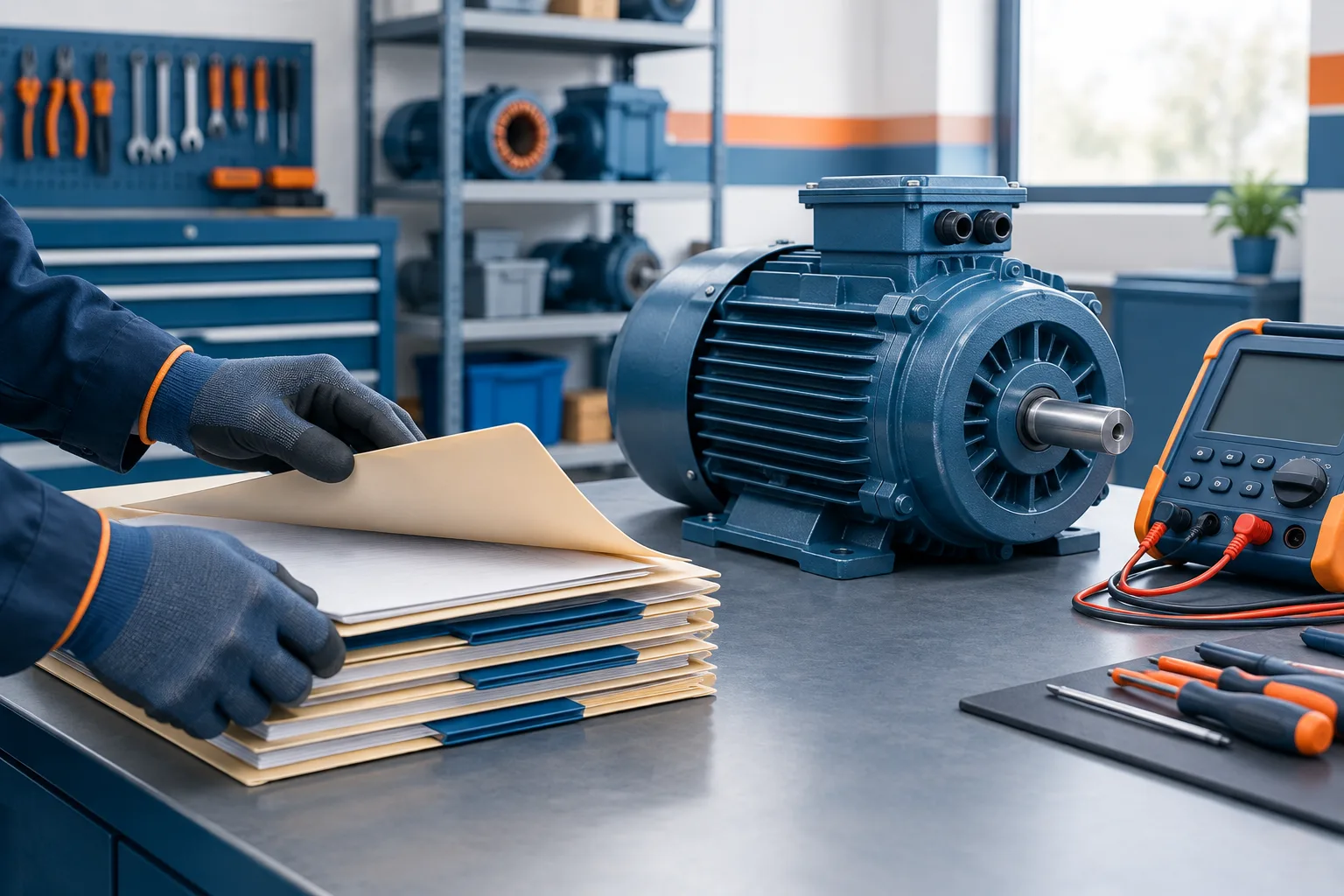
When a motor comes back for repair, the earlier test report can help the shop understand its service history. The challenge is finding the right report without searching folders one by one or depending on the employee who handled the previous job.
To find a motor repair test report reliably, give staff a repeatable search order, keep consistent identifiers with each job, and verify the candidate record before using it. The goal is not just to store a report digitally. It is to make the connection between the motor, customer, repair job, and test documents clear to the next technician who needs them.
Use a consistent search order
Start with the identifier most likely to point directly to the earlier repair, then broaden the search if needed:
- Search the job number. If the customer or shop has a prior job number, use it to locate the original repair record and its attached report.
- Search the motor serial number. Check the number as recorded in the shop system, including known variations in spacing, punctuation, or character entry.
- Search the customer and asset references. Try the customer name, customer asset or tag number, and any consistent equipment description used by the shop.
These identifiers are useful in combination. A serial number can be missing or difficult to read, while a customer name alone may bring up records for more than one piece of equipment. A job number can point to a specific service visit, and customer or asset details can help staff find the right visit when that job number is not available.
EASA’s accreditation FAQs describe linking records to a job number, with serial number as optional additional data. Check the EASA Accreditation FAQs for the source’s accreditation guidance, and follow the procedures that apply to your shop.
Verify the match before using the report
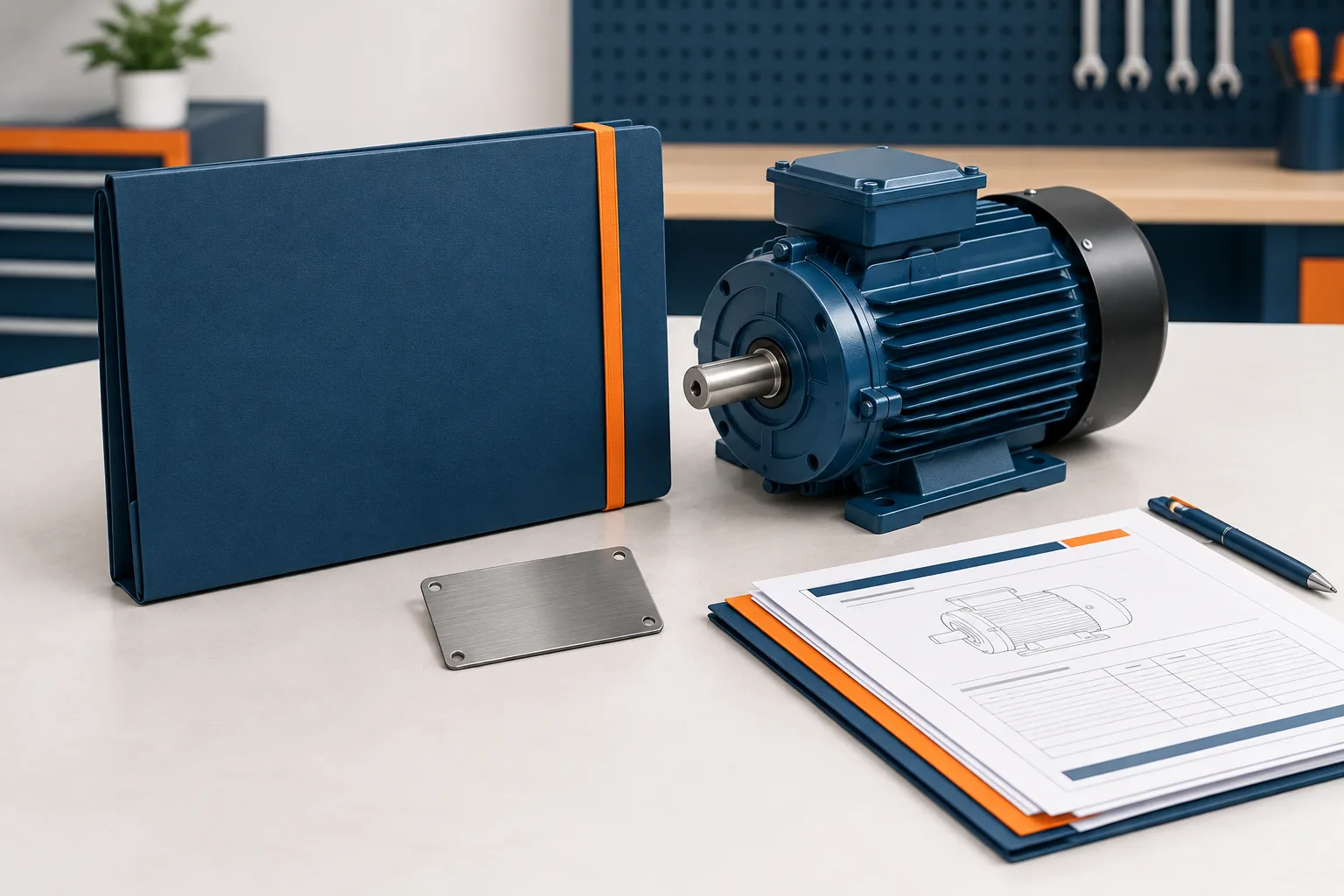
A search result is a candidate, not confirmation. Before relying on a report, compare its job details with the motor and the current repair. Look for matching information such as the customer, make, model, rating, nameplate details, equipment tag, and repair date. Use the details available in your records and on the motor; not every identifier will be present on every job.
If the serial number is missing or unreadable, do not let that stop the search. Try the job number, customer, and asset or tag reference first. If you find possible matches, compare the motor’s make, model, rating, and prior repair details. When the match remains uncertain, keep looking or ask the appropriate shop contact to review it rather than treating a similar record as confirmed history.
This verification step matters because a customer may have more than one similar motor, or the same motor may have multiple repair visits. The right report should match the motor and the service event, not merely contain a familiar customer name or equipment description.
Build a searchable record index
A practical retrieval process depends on how jobs are recorded. Keep a searchable index that connects each repair job to the customer, motor identifiers, report files, and test dates. The index can be part of the shop’s existing system or a documented record location, as long as authorized staff know where to search and how fields are entered.
Choose a consistent set of fields for every job. For example, record the job number, customer, motor serial number when available, customer asset or tag number when supplied, make and model, and the locations of the test reports and related job documents. Agree on how staff enter common variations, such as punctuation in serial numbers or abbreviations in customer names. Consistency makes searches less dependent on who entered the original information.
Keep the original report with the repair job record and its related documents. Use a file name or document link that makes the connection easy to recognize, such as including the shop’s job identifier and a clear report description. Avoid relying on a technician’s personal folder or a single employee’s memory as the only route to the record.
Incoming and final test results can be stored together under the same job record, while remaining clearly identified as different documents or stages of the job. That organization lets a technician review the history of the repair without confusing one result with another. Follow your shop’s recordkeeping process for deciding which documents belong in the job file.
Make the method usable by the whole team
Write down the search order and the verification steps where technicians can find them. Show staff which fields are required, where reports are saved, and what to do when a serial number or job number is unavailable. The process should still work when the person retrieving a report did not handle the earlier repair.
Access also matters. Keep records available to authorized technicians who need them, and protect test results and QA files from accidental loss or changes. Zevonix provides versioned backups for test results, QA folders, and calibration records. Its site also describes monthly restore testing as part of protecting test bench and QA data.
For more context on protecting test-bench information, see IT support for motor testing software. If you are organizing broader shop records and workflows, ERP support for motor repair shops may also be useful. EASA’s AR100 recommended practice is a reference to consult alongside the procedures and requirements applicable to your operation. A retrieval method by itself does not establish that records meet any particular standard.
Frequently asked questions
How do I find a motor’s previous repair test report?
Search the prior job number first, then the serial number, then the customer and asset or tag details. Confirm the likely match against the motor and job information before using the report.
Which identifiers should technicians use?
Use the job number, serial number when available, customer name, and customer asset or tag number. Make, model, rating, and repair date can help verify a result.
What if the motor’s serial number is missing or unreadable?
Search by job number and customer or asset references. Review candidate records against the motor’s available nameplate details and prior job information before deciding whether a report belongs to it.
Can a job number link a motor to its previous test results?
Yes. A job number can connect the repair record to its report files and related documents. EASA’s accreditation FAQs describe job-number linkage, with serial number as optional additional data.
Should incoming and final test results be saved together?
They can be kept under the same repair job record, with each result clearly labeled so staff can distinguish the stage and document they are viewing.
Make retrieval part of the repair workflow
A clear search order, consistent identifiers, and a verification step make motor repair records easier for technicians to retrieve, even when someone else handled the earlier job. Start by documenting the fields and record location your team will use. If you need help protecting test and QA records, contact Zevonix at (386) 260-0777.