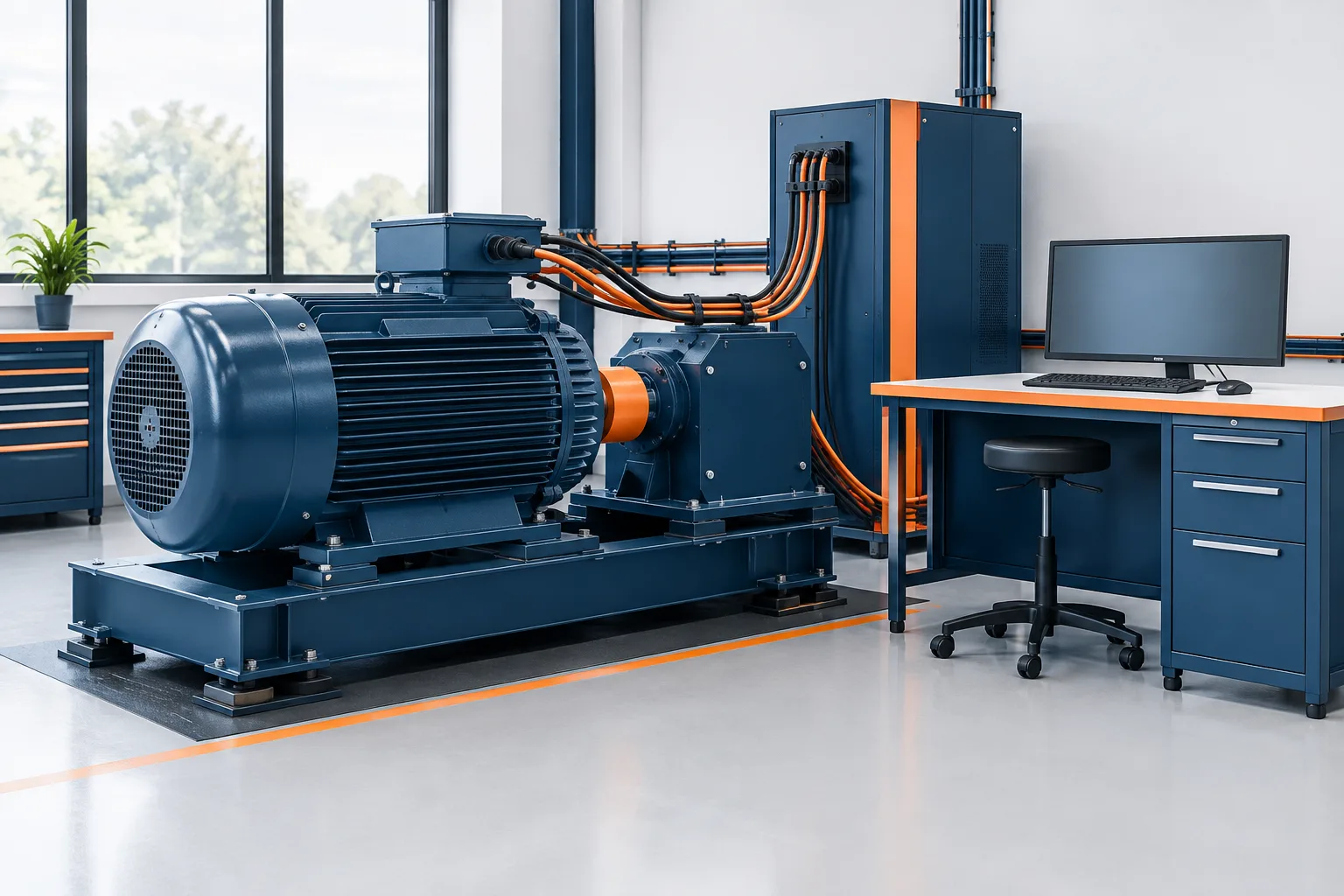
Motor test bench computer network connectivity is not a simple choice between putting the test-bench PC on the shop network or keeping it offline. The useful question is what the bench needs to communicate with, and what can remain separate.
A connection can make test plans, reports, and results easier to share. But unnecessary access can expose a stable bench setup to changes or interruptions it does not need. A practical design supports the work while protecting reliability and change control.
Separate the different kinds of connectivity
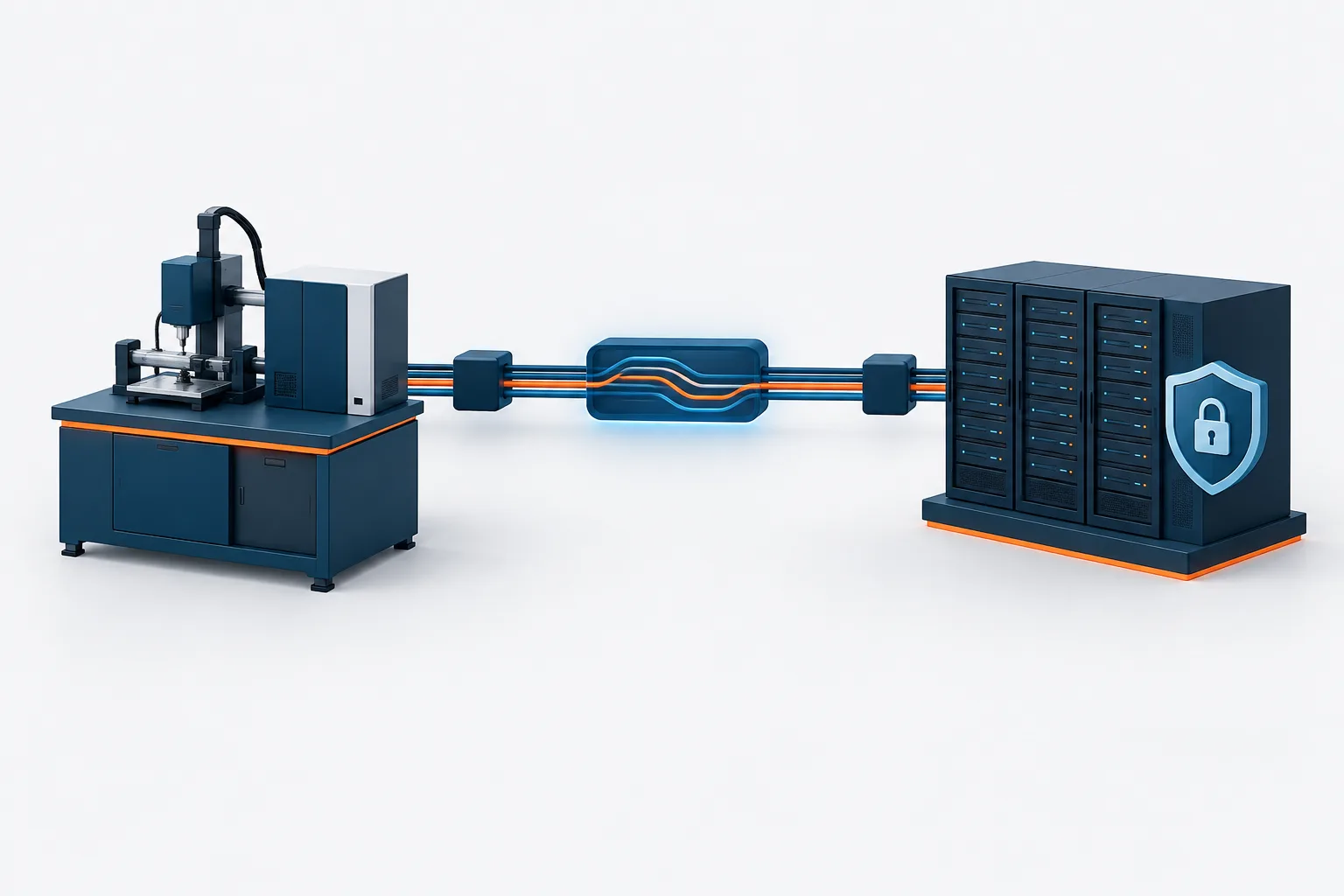
Before deciding whether to connect a bench PC, map its communication needs. These paths are related, but they do not all need to be handled the same way:
- Instrument-to-PC communication: The test equipment may communicate directly with the computer that runs the test software. This local connection is distinct from access to the shop network.
- Test-result storage: Results may stay on the bench PC, move to a shared folder, or be transferred into another system. Decide where the authoritative copy belongs and how a transfer is checked.
- Business-system integration: The shop may want results, reports, or job details available in an ERP, CMMS, or other workflow. That does not automatically mean the bench needs broad access to every business resource.
- Internet access: Software activation, updates, or online services may create a need for internet connectivity. Confirm the specific purpose rather than assuming open internet access is required.
- Vendor support: Remote troubleshooting may be useful, but it is a separate access path that should be approved and controlled.
Keeping these paths distinct makes it easier to grant the bench only what it needs. Guidance for operational technology emphasizes adapting security measures to operational needs; see the NIST guide to operational technology security.
What can connectivity improve?
A purpose-built connection can reduce manual handoffs. Technicians may be able to retrieve approved test plans, save reports where the right people can find them, and associate results with a job record. Searchable results can also make it easier to review past work and share information with the office.
Those benefits depend on a reliable workflow. If a shared folder is unavailable, for example, technicians need to know whether the bench can continue testing and where results will be saved in the meantime. A network link should make work easier without becoming a condition for capturing the test.
Connectivity can also support data protection. Zevonix provides versioned backups for test results, QA folders, and calibration records, and the site describes monthly restore testing. Backup access and storage should be designed so they protect useful records without making routine bench operation dependent on a distant service.
What risks come with unnecessary access?
A bench PC connected broadly to the general network may have access it does not need, and changes elsewhere can affect its environment. Unplanned software changes, new policies, or interruptions to shared services can complicate troubleshooting or disrupt a known working setup.
Updates and security scans also deserve planning. They may be important, but a shop should understand how the test software and equipment behave before applying changes. The goal is not to leave a computer unmaintained. It is to review changes, test them where practical, and schedule deployment so the bench’s operation can be checked afterward. Zevonix has a guide to updating a test-bench computer without disruption.
For general industrial control system practices, CISA’s cybersecurity best practices can help inform a facility’s approach. Use guidance in light of the specific equipment, vendor requirements, and shop workflow.
Decide what the bench actually needs
Work through the following questions with the technicians who use the bench and the people responsible for its systems:
- What must communicate? List the instrument, test application, storage location, business system, and support contacts involved in the process.
- What information moves? Identify whether the bench sends results, receives test plans, retrieves job details, or exchanges other files.
- Which direction does communication need to go? A workflow that only sends completed reports may not require the same permissions as a system that also sends settings or instructions back to the bench.
- Who needs access? Identify the roles that use the computer and who is authorized to maintain it. Avoid shared access that makes changes difficult to trace.
- What happens during an outage? Confirm whether testing can continue, where results are saved locally, and how those records will be transferred and reconciled when service returns.
- What changes require review? Define how software updates, configuration changes, and vendor work are requested, tested, approved, and documented.
- How will recovery work? Confirm that test software settings and important records can be restored, not just that a backup job reports success.
For many shops, the answer may be limited connectivity rather than complete isolation or unrestricted access. Network segmentation can separate the bench from general office devices while allowing specific, approved communication paths. The details depend on the test equipment and software, so confirm requirements with the vendor and whoever manages the shop network. Zevonix also explains industrial network security for repair shops.
Keep vendor access controlled
Remote vendor access should be treated as its own connection, not as a reason to leave a permanent, unrestricted route open. Agree on the support purpose, who approves a session, what systems the vendor can reach, and how access is ended afterward. Record activity where the available tools allow it.
CISA’s remote access guidance for industrial control systems provides additional considerations. Ask the equipment vendor what support method is required, then have the shop’s IT support set up an approach with defined permissions and an approval process.
Frequently asked questions
Does a motor test-bench computer need to be connected to the shop network?
Not necessarily. Connect it only when a defined workflow needs the connection, such as transferring reports or retrieving approved job information. Keep instrument communication separate where possible, and verify that testing can continue if the shop network is unavailable.
Can test results be stored or transferred without a network connection?
Depending on the test software, results may be saved locally and transferred later. Confirm where local files are stored, how staff identify untransferred results, and how duplicates or missing records are handled after reconnection. Follow the software and equipment vendor’s guidance.
Can automatic updates or antivirus scans disrupt test-bench software?
They can affect a working configuration, so do not assume changes are harmless or that they must be applied during testing. Review vendor requirements, test changes where practical, and schedule them so the bench can be checked afterward.
How should remote vendor access be controlled?
Use an approved method with limited permissions, a defined support purpose, and access that can be disabled when the work is complete. Establish who authorizes access and how activity is reviewed.
Choose connectivity that protects the work
A test-bench computer should have the connections needed for its role, not automatic access to the entire shop network. Document the required paths, test the outage and recovery process, and review changes before they reach a working bench. If you want help assessing a motor repair shop’s test-bench connectivity, contact Zevonix at (386) 260-0777.